Bournemouth University

You are in » Student portal

Getting started

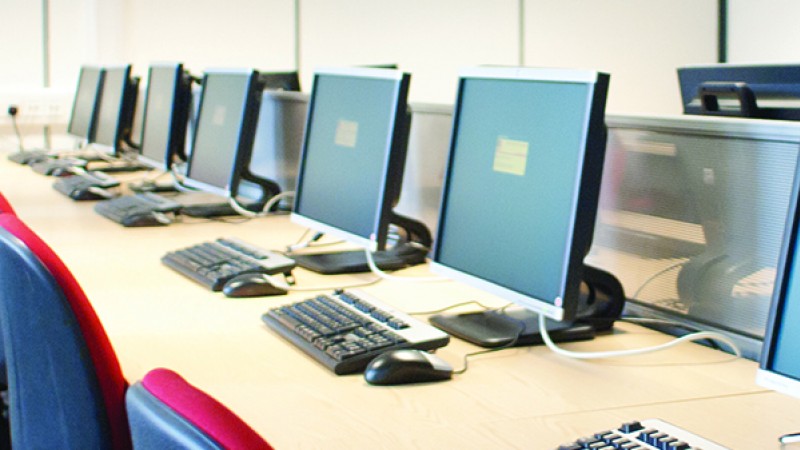
students on computer

New to BU? Here's how to get started.

An induction to IT Services is available in the form of a series of short video clips and PDF files.

There is plenty of information here too to help you.

IT help

You can contact our 24/7 Service Desk, either by phone or logging your own request. Alternatively, you can also come and visit the Help Zone area in each of the Libraries.

Printing

Our printers do more than print. They can photocopy, print (black and white or colour) and scan documents which you can send directly to your Bournemouth University email account.

There are small charges for printing, see what they are and how you add money to your own print account.

You can also use Pull Printing to help you print out work when you arrive at the printer - saving you time, money, paper and ink whilst supporting the BU Carbon Management Plan.

File storage

There are a variety of ways to save and store your work. You have 25Gb of storage space available to you within your email account, called the SkyDrive, accessible at any time and anywhere. Use the Office web apps or share your files and photos with friends and colleagues whether you are using a PC or a Mac.

Your own equipment

Bringing your own computer? You will need to get it checked with a remote scan before it can be connected to the BU network.

Extra information

Find out what IT Skills can offer you to help you improve your IT knowledge - there is a community within myBU called IT Skills Development where you can check the list of workshops and learning materials available or find out what qualifications you can gain.

Finally think of your comfort and wellbeing whilst you work.

Some extra tips and videos are available in the Quick Bytes area.

Contact details

IT Services

Bournemouth University
S702 Studland House
Lansdowne Campus
12 Christchurch Road
Bournemouth
BH1 3NA
UK

Tel: +44 (0) 1202 965515

In this section

Anti virus

Anti virus software supported by the University.

Logging in

Logging in to the University computers.

Microsoft Windows Live - Email

Information about the University email system.

Useful links

Some links to relevant sites.